
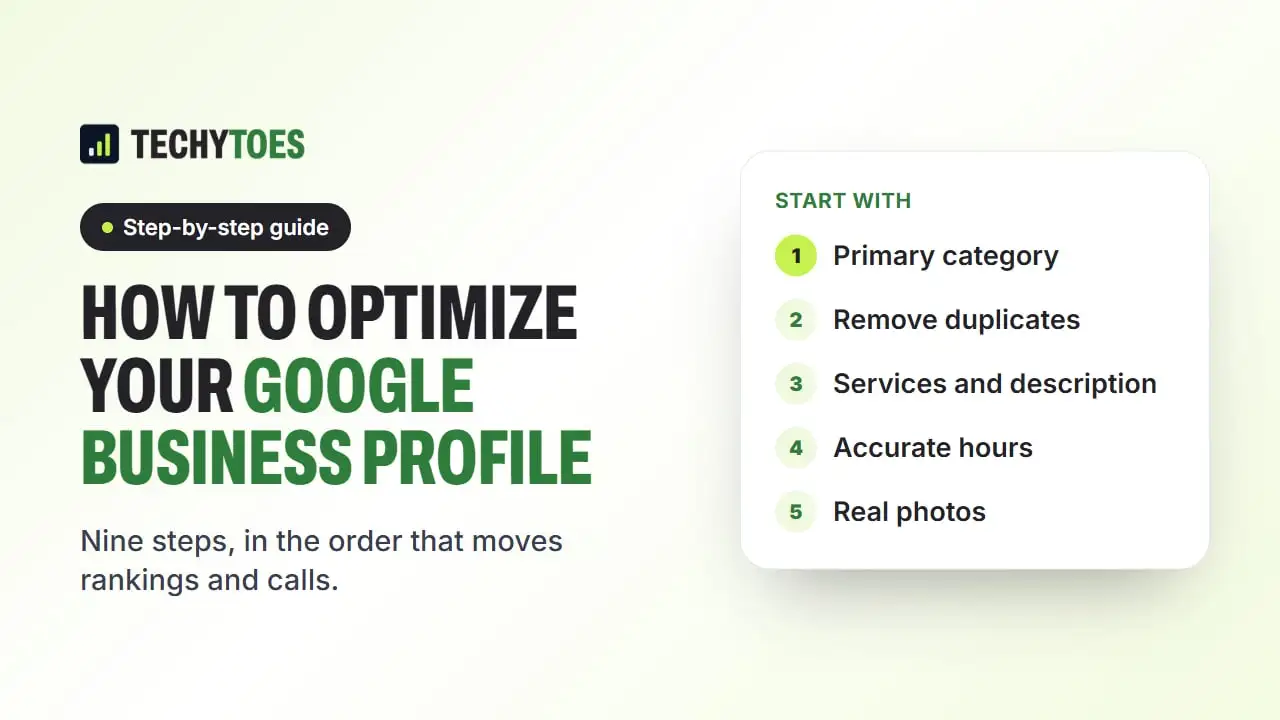
Google Business Profile optimization means making your listing complete, accurate and active, so Google shows it for the right searches and customers choose it once they see it. The work happens in a clear order, because a few fields matter far more than the rest:
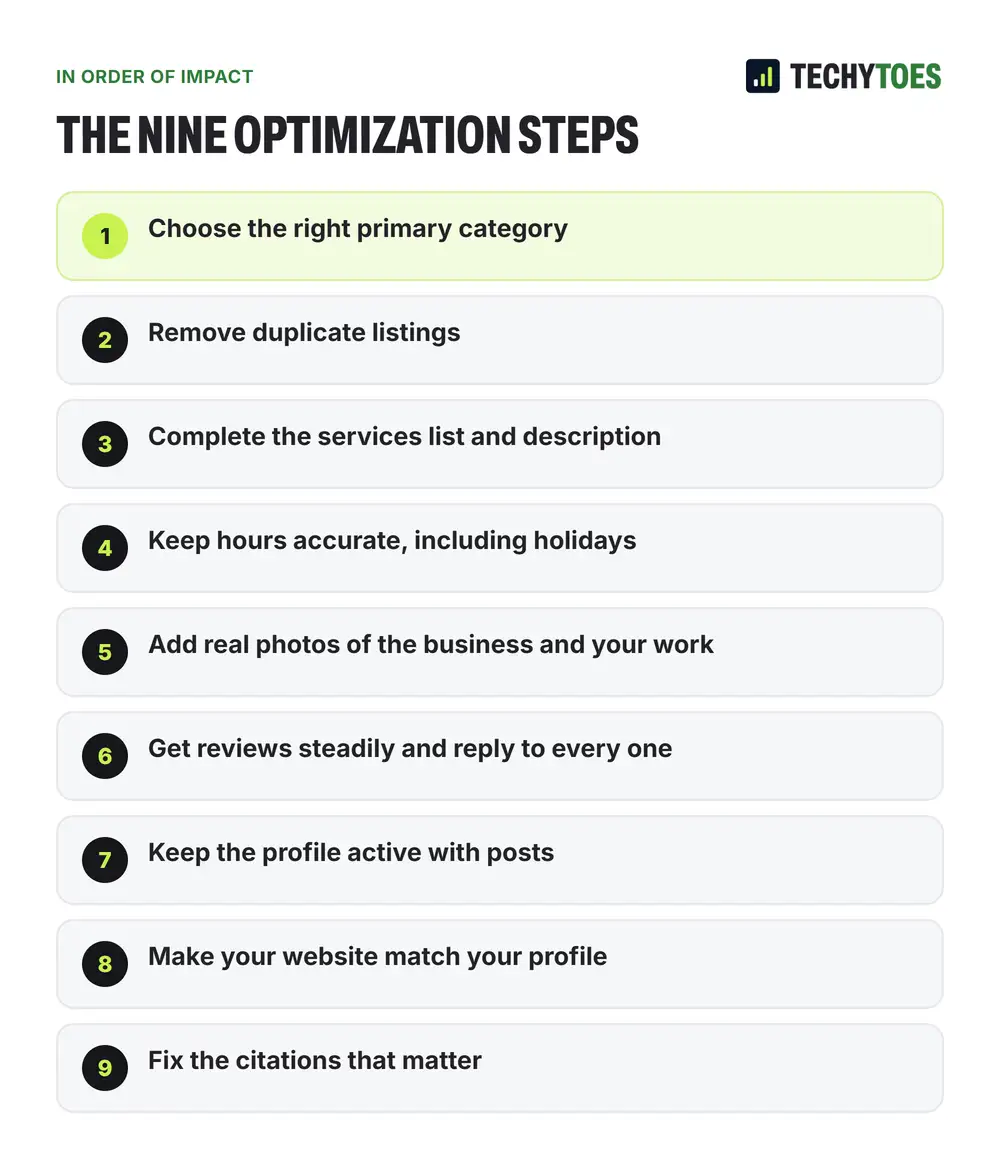
- Choose the right primary category.
- Remove duplicate listings.
- Complete the services list and description.
- Keep hours accurate, including holidays.
- Add real photos of the business and your work.
- Get reviews steadily and reply to every one.
- Keep the profile active with posts.
- Make your website match your profile.
- Fix the citations that matter.
The rest of this guide explains each step, then gives you a local SEO checklist you can work through.
How Google decides which profiles to show
Google ranks map listings on three things: relevance, distance and prominence. Relevance is how well your profile matches the search. Distance is how far you are from the person searching. Prominence is how well known and trusted your business looks, from reviews, links and mentions.
You cannot change distance. In our study of 120 top-3 map spots in St. Petersburg, 58% of the winning listings were within a mile of the searcher. So optimization is about relevance and prominence: telling Google clearly what you do, and showing that customers choose you.
1. Choose the right Google Business Profile categories
The primary category is the heaviest single field on the profile. It decides which searches your listing is even eligible for.
It is also the field most often chosen wrong. Owners pick something broad because it feels inclusive, and broad categories lose to exactly matched narrower ones. To choose it properly:
- Search your three most valuable services the way a customer would.
- Look at the listings in the top three.
- Note their primary categories.
- Choose the narrowest category that still describes your main source of revenue.
Secondary categories extend your reach without diluting the primary one. Add the ones that describe services you really offer, and stop there. Check categories even on an old profile, because Google adds and renames them; in our jewelry store case study, matching the categories to every reason someone might visit was one of four changes behind a rise from 4 calls in a month to 77.
2. Remove duplicate listings
Do this before anything else that builds strength, or you are strengthening two halves of a split profile. A duplicate splits your reviews, photos and history between two records that each look weaker than one.
Duplicates usually come from a move, a former employee’s claim, or a data provider creating a record from old information. That last case is why deleting a duplicate rarely sticks: the provider recreates it. Find the listing with the most reviews and history, merge or remove the other through Google’s support channels, then correct the source data.
3. Complete the services list and the description
The services list is separate from the category. Add every service you offer, each with a short description in your customers’ words. A listing showing three services when you offer eleven misses the searches for the other eight.
Write the business description for a person deciding between you and two competitors: what you do, who for, and why the choice is easy. Stuffing it with keywords does little for ranking and costs you the one thing it is good for.
4. Keep hours accurate, including holidays
Wrong hours lose the visit outright, and they are the most common avoidable error on otherwise good profiles. Set holiday hours in advance, and update hours quickly when weather or anything else changes them. In seasonal markets like Tampa Bay, people check whether your schedule has changed.
5. Add real photos of the business and your work
Upload recent photos that show what a customer will find: the front of the building from the street, the inside, the team, and finished work. For a business people visit, the front photo helps them find you.
Geotagging photos does not help rankings. In October 2024, Whitespark summarized tests by Sterling Sky and Hypetrix that found no impact from geotagged photos, and Google strips location data from uploaded photos anyway. What helps is real, recent images, plus captions and page text on your website that describe the job and the neighborhood. Never fill a profile with stock photos.
6. Get Google Business Profile reviews and reply to every one
A steady flow of recent reviews tells Google, and customers, that people keep choosing you. A profile with 200 reviews where the newest is 14 months old looks like a business winding down.
Build the request into something that already happens, such as the invoice, the job-complete text or the handover. A process that depends on someone remembering stops within weeks. Reply to every review, briefly and without defensiveness, especially the critical ones.
Our guide on how to get more Google reviews covers the request process and our study of how many reviews the top three actually have.
7. Keep the profile active with posts
Google Business Profile posts
Posts are one of the few parts of the profile you control completely and can update instantly. Post weekly about recent jobs, offers and news. During a storm or any time your availability is in question, a recent post saying you are open and responding is exactly what searchers are checking for.
8. Make your website match your profile
Google cross-checks your profile against your website to confirm you are a real business in a real place. Fix every mismatch:
- hours that differ between the two;
- a phone number that only appears inside an image;
- a service-area page listing towns your profile does not serve;
- an address written differently.
Adding local business schema to your site states the same details in a format search engines read directly.
9. Fix the citations that matter
Buying hundreds of directory listings does very little today. What still matters is having the same name, address and phone number on the major directories and data providers, and removing duplicates. Our guide to local citations and NAP consistency lists where to start.
Your local SEO checklist
Work through this list once, then check it every quarter.
| Area | Check | Done |
|---|---|---|
| Category | Primary category matches the top-ranking competitors for your main service | ☐ |
| Duplicates | Only one profile per real location | ☐ |
| Services | Every service listed with a short description | ☐ |
| Description | Written for customers, no keyword stuffing | ☐ |
| Hours | Regular and holiday hours correct | ☐ |
| Photos | Front, inside, team and recent work, no stock images | ☐ |
| Reviews | New reviews every month, every review answered | ☐ |
| Posts | At least one post a week | ☐ |
| Website | Same name, address, phone and hours as the profile | ☐ |
| Schema | LocalBusiness schema on the website | ☐ |
| Citations | Main directories match; duplicates removed | ☐ |
Google Business Profile optimization checklist for new profiles
If your profile is new, verify it first (see our guide to Google Business Profile verification), then work through the table from the top.
When something has gone wrong
- Your business does not show on Google Maps at all: read why your business isn’t showing on Google Maps.
- Your profile has been suspended: read Google Business Profile suspended? How to get reinstated.
- You cannot verify the profile: read our verification guide.
Key takeaways
- The primary category matters most. Copy the logic of the listings already winning.
- Fix duplicates before building anything.
- Complete every field in your customers’ words.
- Real photos, steady reviews and weekly posts keep the listing active.
- Match your website to your profile so Google sees one consistent business.
If you would rather have this done and tracked for you, our GBP optimization services start with a free audit.
Frequently asked questions
What is the most important part of Google Business Profile optimization?
The primary category. It decides which searches your listing can appear for before anything else is weighed. Check the primary categories of the three businesses ranking above you for your most valuable search, and choose the narrowest category that still describes your main service.
How often should I post on my Google Business Profile?
Weekly is a sensible rhythm for most small businesses. Posts keep the listing current for customers and are one of the few parts of the profile you can update instantly, which matters during storms, holidays or anything that changes your availability. Real updates about jobs, offers and news work better than recycled filler.
Do geotagged photos help my Google Business Profile rank?
Published tests have not found that they do. Tests by Sterling Sky and Hypetrix, summarized by Whitespark in October 2024, found no ranking impact, and Google strips location data from photos when they are uploaded. Upload real, recent photos of your business and your work because they help customers trust you, not for the coordinates.
Should I hire someone to optimize my Google Business Profile?
You can do most of this checklist yourself in an afternoon. Owners usually bring in help when duplicates or a suspension are involved, when they want the profile managed every week, or when they want rankings measured across their whole area rather than from one spot.