
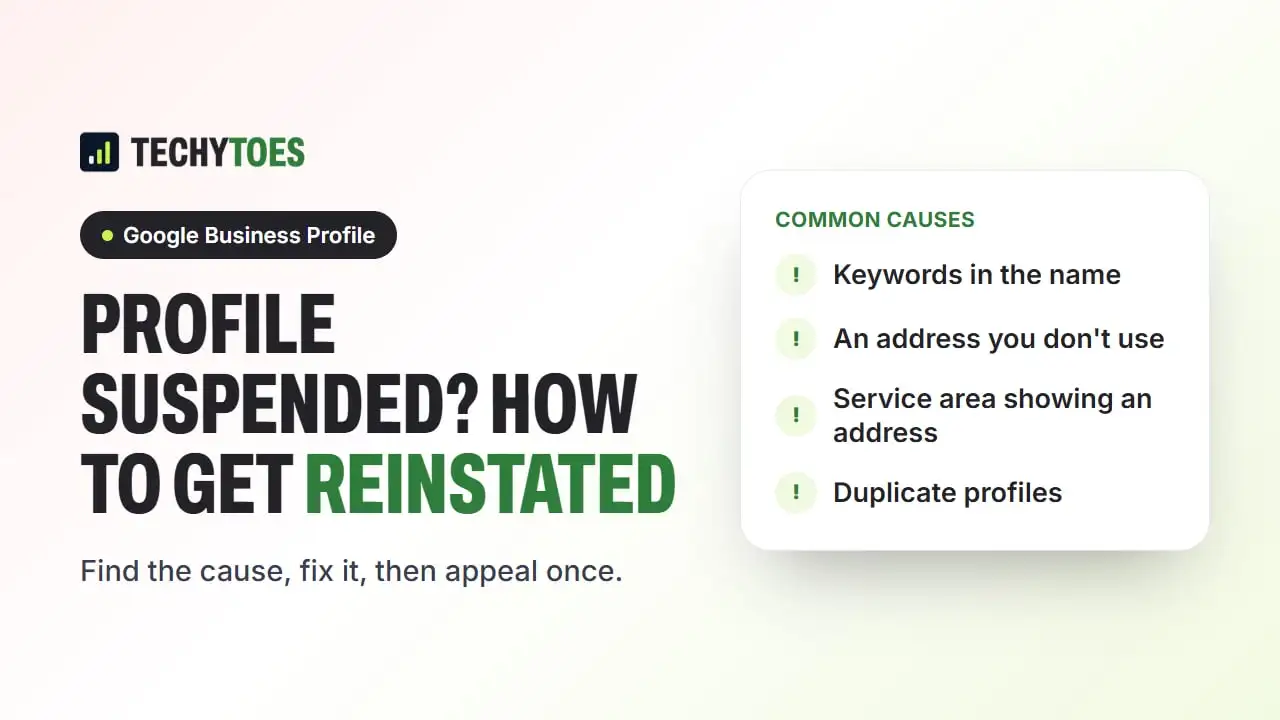
If your Google Business Profile has been suspended, don’t create a new one and don’t appeal straight away. Find out which guideline the profile breaks, fix that, gather evidence that your business is real and at that address, then submit one clear reinstatement request. Appeals that skip the fix usually fail.
Why Google suspends Business Profiles
Most suspensions come from a small set of guideline problems. Check yours against this list first:
- Keywords in the business name. “Smith Plumbing Tampa Best Plumber” instead of the name on your sign and paperwork.
- An address you don’t really operate from. Virtual offices, mailbox services and coworking spaces without staffed, signed premises.
- A service-area business showing its address. If customers don’t come to you, the address must be hidden and service areas listed instead.
- More than one profile for the same business at the same location.
- Sudden, repeated edits to the name, address or category, which can trigger a review.
- A restricted business type where Google applies extra checks, such as locksmiths or some home services.
Google’s guidelines for representing your business on Google are the source to check against. If you aren’t sure which one applies, compare your profile with each point above before doing anything else.
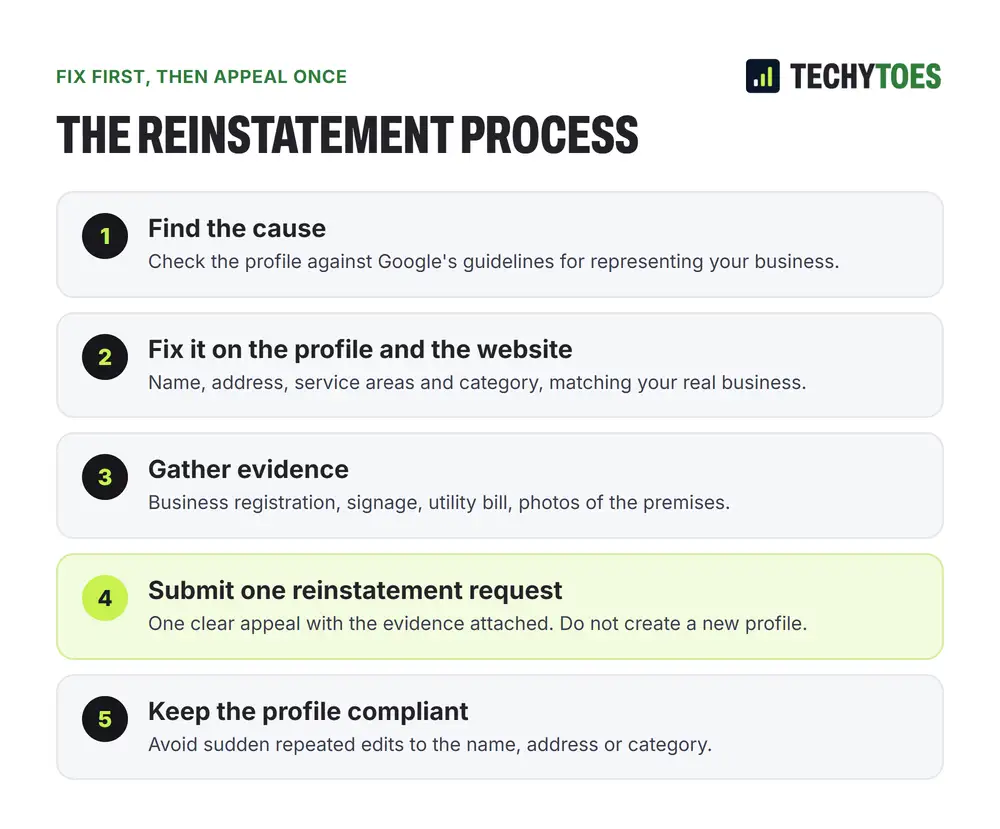
How to get a Google Business Profile reinstated
- Don’t create a new profile. It breaks the duplicate rule and starts you with zero reviews.
- Read the notice. Google’s email or the message in your profile may name the problem.
- Fix the cause. Change the name to your real business name, hide the address if you’re a service-area business, or remove a duplicate. Make your website match.
- Gather evidence. Photos of permanent signage and the premises, a business license or registration, and a utility bill or bank statement in the business name at that address.
- Submit one appeal through the appeal option for your profile, with the evidence attached and a short, factual explanation of what you changed.
- Wait, and don’t keep editing. Changes made while the appeal is under review can slow it down.
What to do while the profile is suspended
- Keep answering calls and messages from your website and other listings.
- Make sure your website shows your real name, address and phone number, matching what you have told Google.
- If you depend on the map for leads, consider Google Ads or Local Services Ads for the weeks it takes.
How to avoid another suspension
- Use your real-world business name, exactly.
- Only use an address where you have staffed premises and signage.
- Hide your address if customers don’t visit you.
- Make one accurate change at a time, and keep the paperwork that supports it.
- Don’t let anyone create extra profiles or “location” profiles for areas you don’t have an office in.
Key takeaways
- Don’t start a new profile. Appeal the original.
- Fix the cause before you appeal. Appeals without a fix usually fail.
- Evidence ties the name to the address: signage, license, utility bill.
- Appeal once, then wait.
Our GBP optimization services include reinstatement for suspended profiles.
Frequently asked questions
Should I create a new Google Business Profile if mine is suspended?
No. A new profile for the same business breaks Google's guidelines on duplicates, is likely to be suspended too, and starts with none of your reviews. Fix the cause and appeal the original profile instead.
Will I lose my reviews if my profile is suspended?
While a profile is suspended it is not shown to customers, so its reviews are not visible either. When a profile is reinstated, its reviews are usually restored with it. That is one more reason to appeal the original rather than start again.
Why was my profile suspended after I edited it?
Large or repeated changes to the name, address or category can trigger a review, especially on a newer profile. If the edit brought the profile closer to breaking a guideline, such as adding keywords to the name, the review can end in a suspension. Make one accurate change at a time and keep the evidence that supports it.
How do I prove my business is real?
Google typically asks for evidence that ties the business name to the address: photos of permanent signage and the premises, a business license or registration, and a utility bill or similar document in the business name. Gather it before you appeal, so you can submit it in one go.