
Google Business Profile verification is how Google confirms that your business is real, is where you say it is, and that you are allowed to manage it. Until it’s done, your profile won’t fully appear in Search and Maps. Google decides which verification methods you’re offered, and for most new profiles today that means a short video.
Google Business Profile verification methods
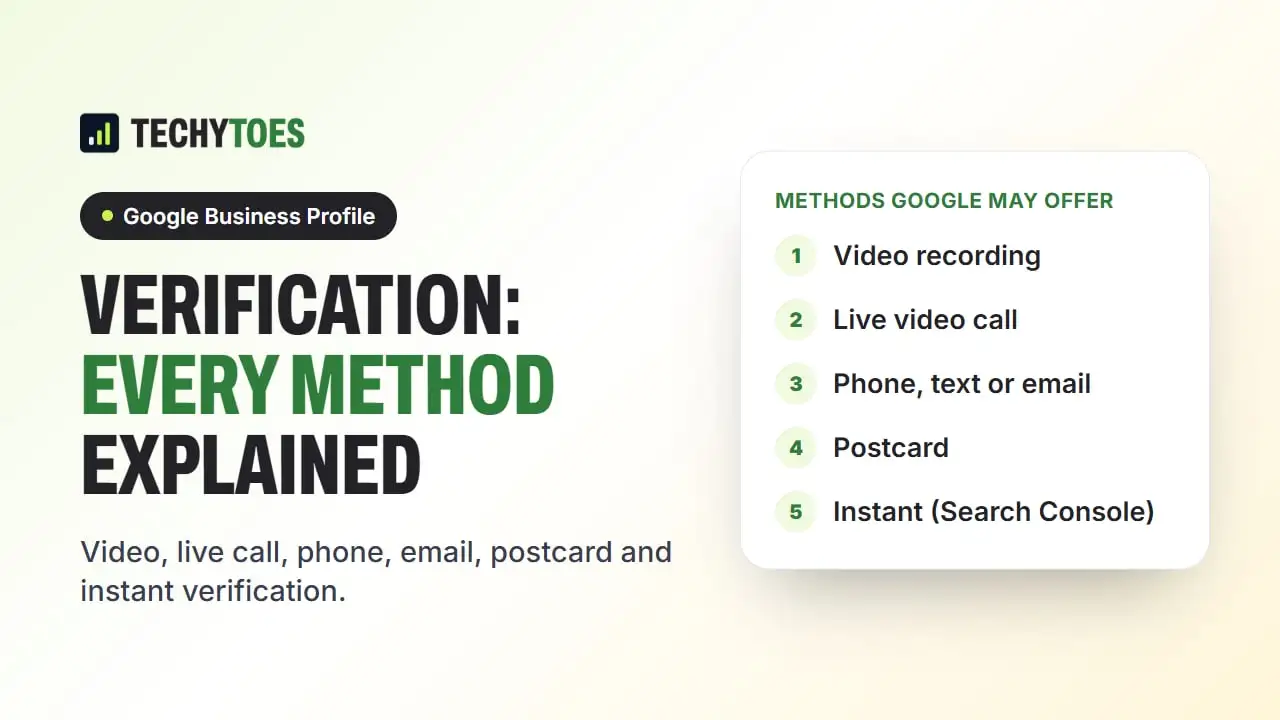
Depending on your business type, location and history, Google may offer one or more of these:
| Method | How it works | Typical wait |
|---|---|---|
| Video recording | You record and upload one continuous video of the location, business and proof you manage it | A few business days for review |
| Live video call | A Google support agent watches while you show the same things in real time | Booked appointment |
| Phone or text | Google sends a code to the business phone number | Immediate |
| Google sends a code to a business email address | Immediate | |
| Postcard | A code is mailed to the business address | Longer, by mail |
| Instant verification | Available when you have already verified the business website in Google Search Console | Immediate |
| Bulk verification | For businesses with 10 or more locations | Reviewed by Google |
You can only use the methods shown for your profile. If none of them work, fix any profile problems and try again later, or contact Google Business Profile support.
How to pass a video verification
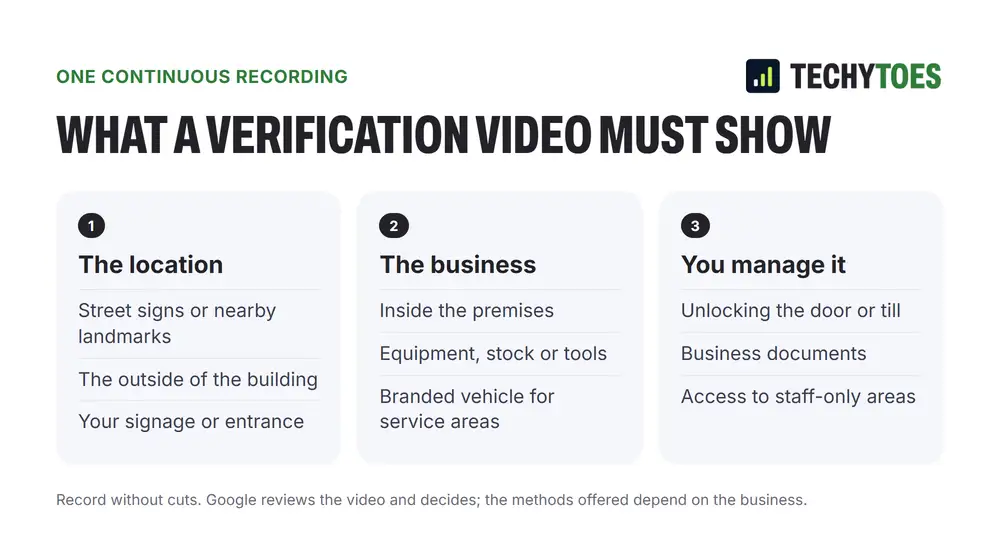
Video is now the most common method for new profiles, and it fails most often on missing evidence. Record one continuous clip, without cuts, that shows:
- Where you are: a street sign, nearby businesses or the outside of your building.
- That the business is there: permanent signage, your equipment or a branded vehicle for a service-area business.
- That you manage it: unlocking the door, the point-of-sale system, the work area, tools or business documents with your business name.
Keep it short, steady and well lit. Talking isn’t required.
Verification for service-area businesses
If customers don’t come to you, such as plumbers, cleaners or mobile mechanics, you still verify with a real address, and then hide it on the profile. In a video, show your branded vehicle, your tools and your business documents rather than a storefront.
When verification fails or gets stuck
- Check the profile breaks no guidelines. Keywords in the name, a virtual office address or a duplicate profile will block verification. See our guide to a suspended Google Business Profile for the common problems.
- Make sure the name matches your signage and paperwork exactly.
- Redo the video with clearer signage and proof of management.
- Don’t create a second profile to get around it.
After you’re verified
Verification only gets you in. Ranking well is the next job: categories, services, photos, reviews and posts. Our Google Business Profile optimization guide walks through each step.
Key takeaways
- Google chooses which methods you’re offered.
- Video is the usual method now: location, business and proof you manage it, in one clip.
- Service-area businesses still verify an address, then hide it.
- Fix guideline problems before retrying.
If you’d rather have it handled, our GBP optimization services cover verification, setup and ongoing management.
Frequently asked questions
Can I choose how to verify my Google Business Profile?
Only from the methods Google offers for your profile. Google decides which options to show based on your business type, location and history, so two businesses can see different choices. If the method you want isn't listed, you can't force it.
How long does Google Business Profile verification take?
Phone, text and email codes are immediate once received. Video reviews usually take a few business days. Postcards take longer because they travel by mail. Your profile isn't fully live in search and Maps until verification is complete.
What should I show in a Google Business Profile verification video?
One continuous recording that shows where you are (street signs or nearby businesses), that the business is there (permanent signage, equipment or a branded vehicle), and that you manage it (unlocking the door, the point-of-sale system, tools or business documents). Don't cut or edit the video.
Why does Google keep rejecting my verification?
Usually because the evidence doesn't connect the business name to the address, the video is edited or doesn't show signage, or the profile breaks a guideline such as keywords in the name or an address you don't really operate from. Fix the profile first, then try again.