Geotagging means adding GPS coordinates to a photo’s file before you upload it. It’s often sold as a local SEO trick: tag photos at your shop, or around St. Petersburg, and Google will rank you there. Published tests haven’t found that it works. Photos still matter, but for different reasons. Here’s what the tests found, and where your photo time is better spent.
Learning objectives
By the end of this guide you’ll know:
- What geotagging is, and what published tests found about it.
- Why the location data in your photos usually doesn’t reach Google.
- Which photos to take at the shop and which around the area.
- What makes photos help your local SEO.
What the tests found
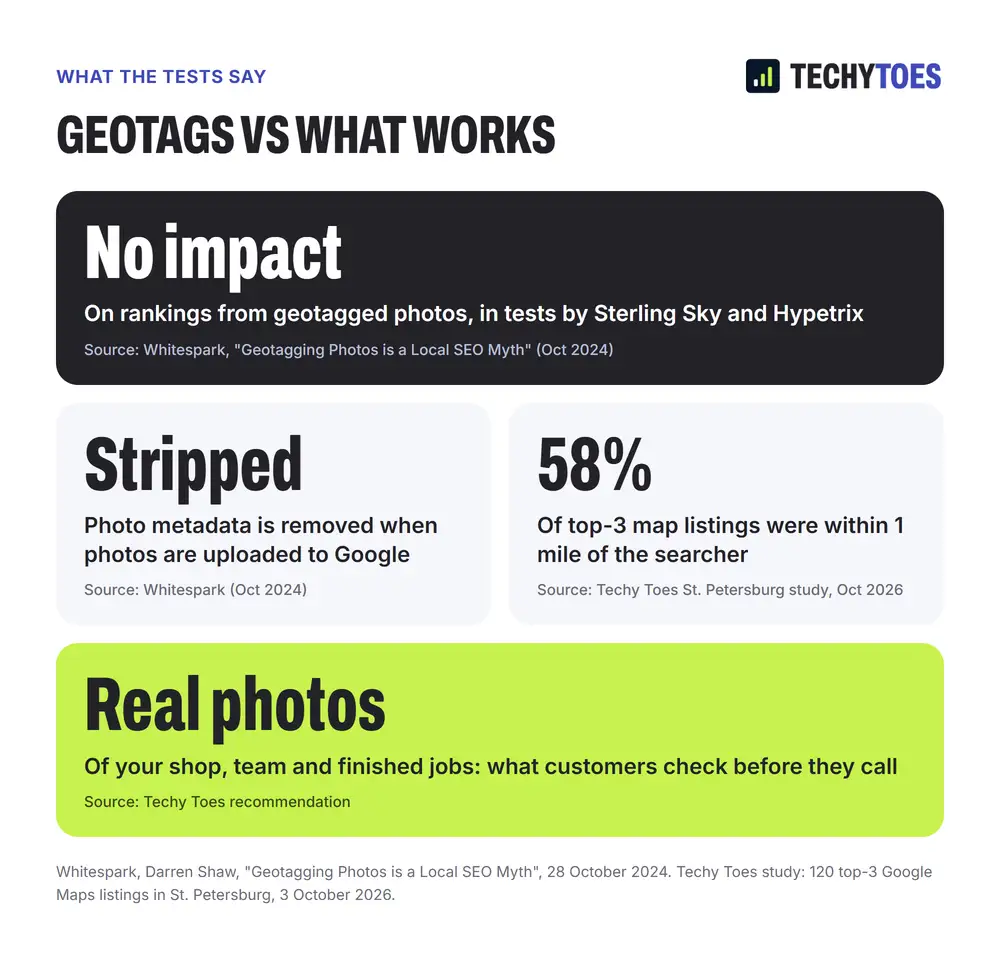
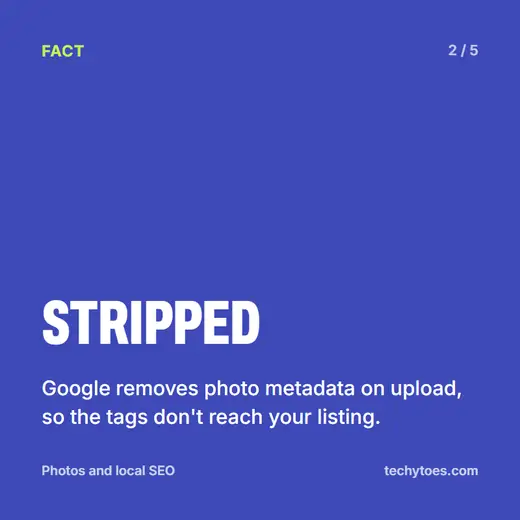
In October 2024, Darren Shaw of Whitespark, a local SEO software company, published a summary of the evidence. He reported that tests by Sterling Sky and by Hypetrix both looked at whether geotagged photos changed rankings, and both found no impact. He also pointed out that Google strips the metadata from photos uploaded to it: download a photo from a Google Business Profile and the location data is gone.
That makes sense when you think about how easy it is to fake. Any free tool can put any coordinates in any photo, so it would be a poor signal for Google to trust.
Where map rankings actually come from
Map rankings depend on relevance, distance and prominence. Distance is measured from your verified business location, not from where your photos were taken. In our study of 120 Google Maps top-3 spots in St. Petersburg, 58% of the top three were within a mile of the person searching. A photo tagged in Gulfport doesn’t move your shop to Gulfport.
Shop or around the area? Both, for different reasons
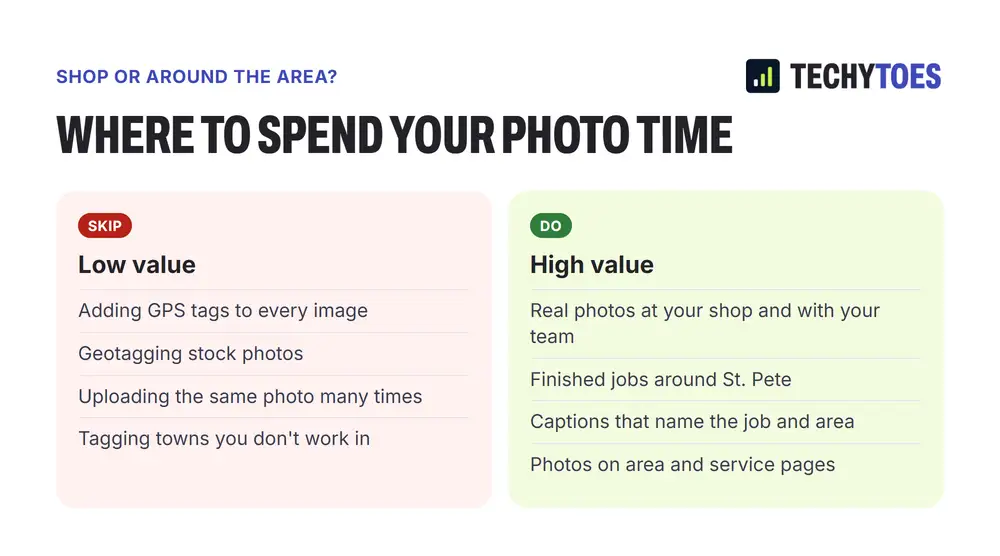
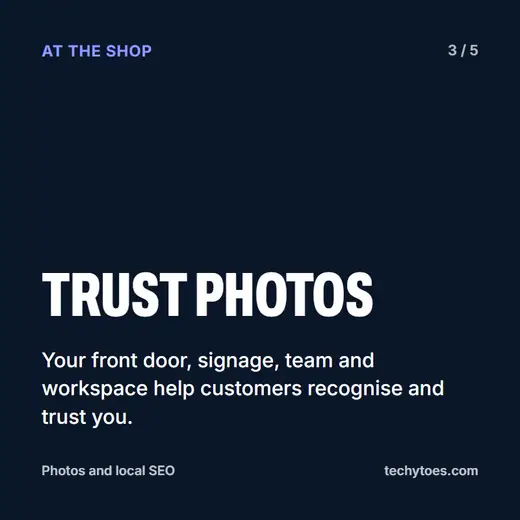
At the shop. Photograph your front entrance, your signage, your team and your workspace. These help customers recognise your business when they arrive and trust it before they call. They belong on your Google Business Profile and your contact and about pages.
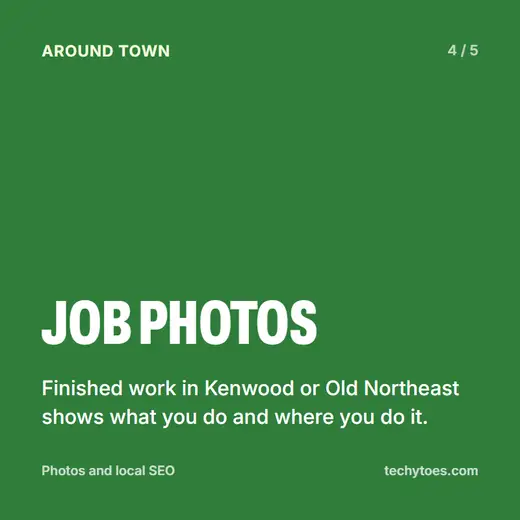
Around the area. Photograph finished jobs: a new roof in Shore Acres, a renovated bathroom in Old Northeast, an installed system in a Kenwood bungalow. These show what you do and where you do it. They belong on your profile and on the website page for that service or area.
What makes photos help your SEO
Google reads text, not coordinates. On your website, put job photos on the page about that service or area, with a caption and alt text that describe the job and the neighbourhood. That gives the page more to rank for. On your Business Profile, upload real, recent photos regularly. Profiles with current photos of real work look active and give customers confidence. Never use stock photos to fill a profile. Customers can tell, and it undermines everything else.
For more on using area pages well, see why “St. Pete” and “St. Petersburg” rank differently and our Google Business Profile checklist.
Photos and local SEO: five cards

Key takeaways
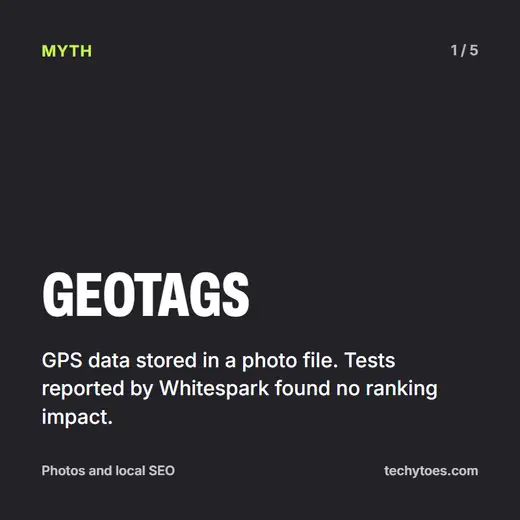
- Geotags don’t move rankings, according to tests reported by Whitespark.
- Google strips photo metadata when photos are uploaded.
- Take photos at the shop for trust, and around the area for proof of work.
- Words do the work. Captions, alt text and page content are what Google reads.
- Real photos only. Stock photos undermine trust.
Quiz: test what you learned
Five questions on this guide. Tap a question to see the answer.
1. What did the tests by Sterling Sky and Hypetrix find about geotagged photos?
No impact on rankings, as reported by Whitespark in October 2024.
2. What happens to a photo's location data when it's uploaded to Google?
It's stripped from the file.
3. Which photos belong at the shop, and why?
Your entrance, signage, team and workspace, because they help customers recognise and trust you.
4. Where should photos of finished jobs around the city go?
On your Business Profile, and on the website page for that service or area, with a caption naming the job and neighbourhood.
5. What does Google read to understand a photo?
The text around it: captions, alt text and page content.
Next steps
See how we handle profiles, photos and pages on our St. Petersburg FL SEO page, or explore our local SEO services.