People renting an exotic car in Tampa don’t usually search for a company name. They search for the car and the occasion: a Lamborghini for a birthday, a Rolls-Royce for a wedding, a convertible for a weekend on the beaches. The rental companies that get those bookings are the ones whose websites answer those searches directly. This guide covers how to build that, from fleet pages to delivery areas and reviews.
Learning objectives
By the end of this guide you’ll know how to:
- Structure a rental website around the cars and occasions people search for.
- Set up a Google Business Profile for a rental lot or a delivery-only service.
- Use delivery and area pages to reach customers beyond your lot.
- Build reviews and trust signals that help high-value customers book.
Build the site around the cars
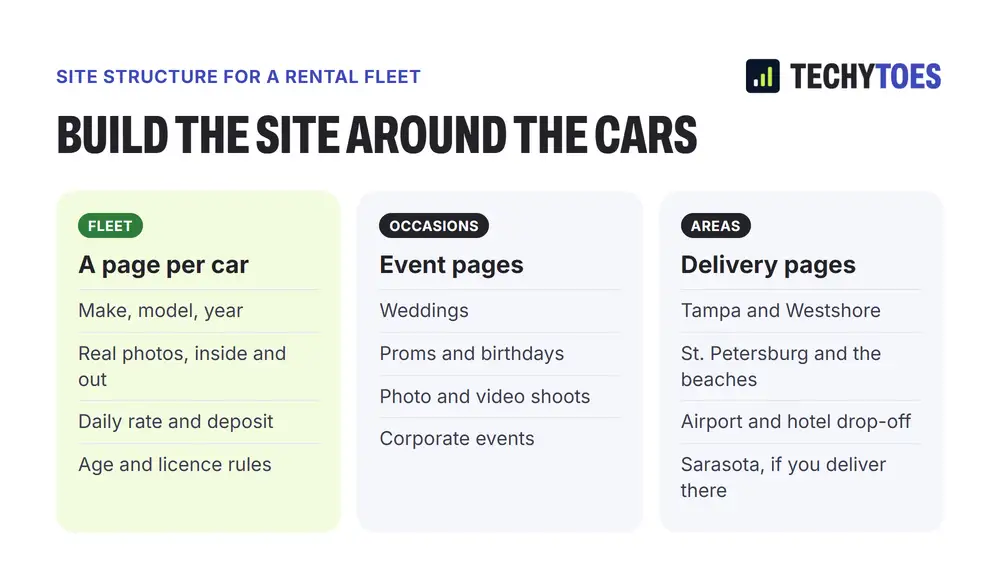
Every car you rent should have its own page. The page should name the make, model and year, show real photographs inside and out, and state the daily rate, the deposit, mileage limits and age and licence requirements. That page can rank for searches about that car, and it answers the questions a customer would otherwise call to ask.
A single “Our Fleet” page with a grid of photos gives Google very little to rank. Twenty separate, well-written car pages give it twenty chances.
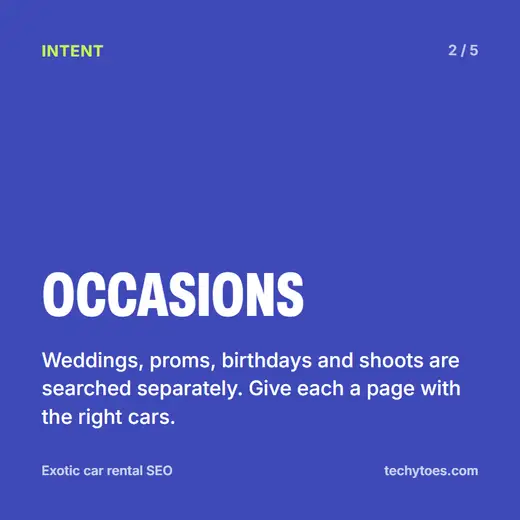
Add pages for occasions
Customers often search by what they’re celebrating. Weddings, proms, milestone birthdays, music video and photo shoots, and corporate events are all searched separately, and each needs different information. A wedding page should cover chauffeur options, ribbons and timing on the day. A shoot page should cover hourly rates and location rules. Link each occasion page to the cars that suit it.
Set up your Google Business Profile properly
Your profile is what appears when someone searches for exotic car rental near them. Choose the most accurate primary category for your business, add every car as a product or service with photos, keep your hours current, and post new arrivals to the fleet.
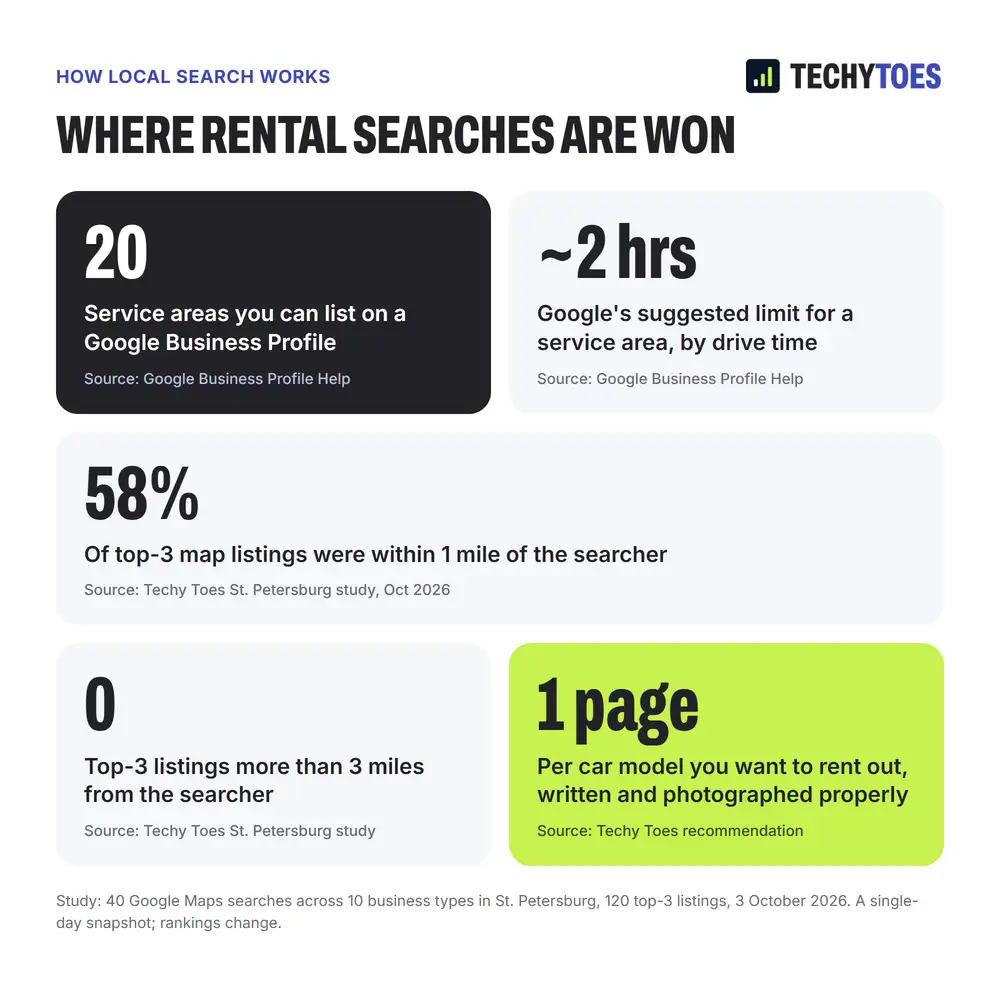
If customers visit your lot, the profile shows your address. If you only deliver, you can hide the address and set service areas instead. Google lets you list up to 20 service areas, and recommends keeping them within about two hours’ drive of your base.
Delivery areas and distance
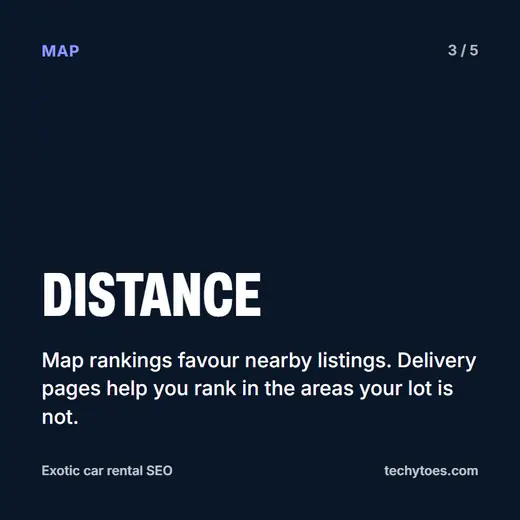
Map rankings favour businesses close to the person searching. In our study of 120 Google Maps top-3 spots in St. Petersburg, 58% of the businesses in the top three were within a mile of the searcher, and none were more than three miles away. Your lot will rank best near your lot.
To reach customers further away, create a page for each main area you deliver to, such as Westshore, downtown St. Petersburg, the beaches, and hotel and airport drop-off. Explain delivery times and fees for each. Those pages can rank in the ordinary search results across the bay even when the map doesn’t show you. Our guide on service area pages in Tampa Bay covers how many to build.
Reviews and trust
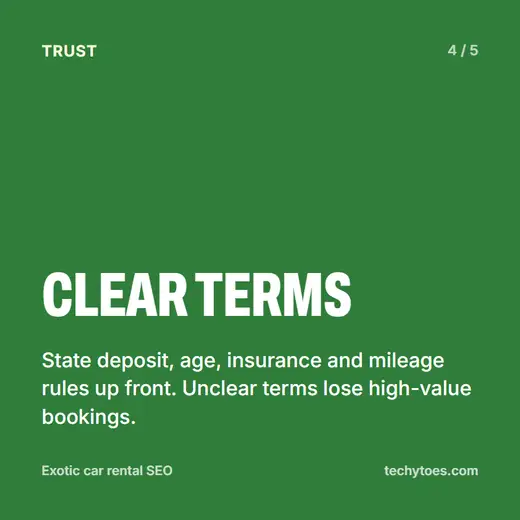
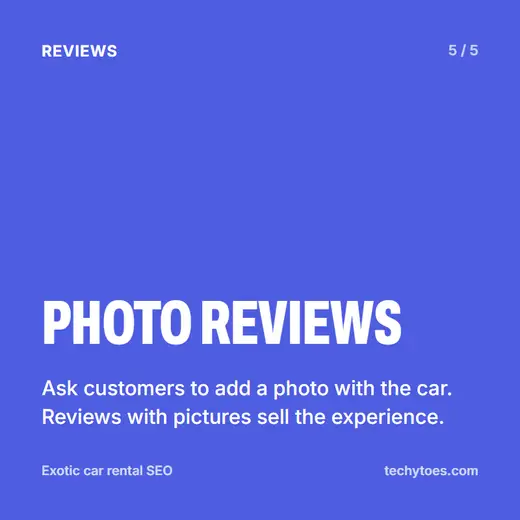
Exotic rentals are high-value bookings, and customers want reassurance before handing over a large deposit. Ask every customer for a Google review, and ask them to add a photo with the car. Reviews with pictures sell the experience better than anything you could write. State your deposit, insurance, age and mileage rules clearly on every car page, so nobody has to call to find out. Unclear terms lose bookings.
Where paid ads fit
Google Ads can put you at the top immediately, which helps in busy periods. Keep keywords tight around specific models and occasions, send each ad to the matching car page, and track calls, because broad terms like “car rental” attract people looking for cheap economy cars. Our Google Ads management service runs campaigns this way.
Exotic car rental SEO: five cards
Key takeaways
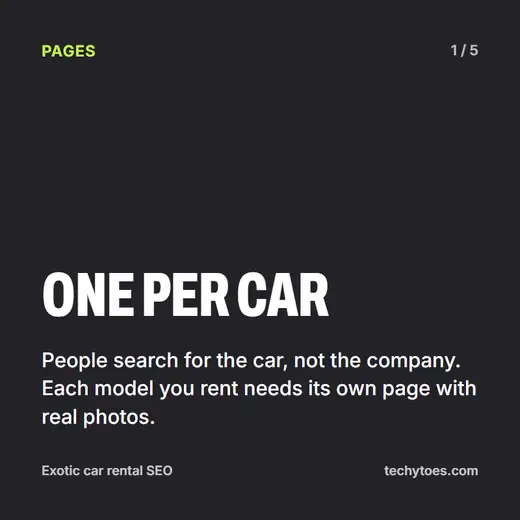
- A page per car. People search for models, not companies.
- A page per occasion. Weddings, proms, birthdays and shoots each need their own.
- Delivery pages reach beyond your lot, because map rankings favour nearby businesses.
- Clear terms win bookings. Deposit, age, insurance and mileage, up front.
- Photo reviews sell the experience.
Quiz: test what you learned
Five questions on this guide. Tap a question to see the answer.
1. Why should every car have its own page?
Because people search for specific cars, and each page can rank for searches about that model while answering customers' questions.
2. How many service areas can a Google Business Profile list?
Up to 20, kept within about two hours' drive.
3. In our St. Petersburg study, how many top-3 map listings were more than three miles from the searcher?
None of the 120.
4. What do delivery area pages help with?
Ranking in the ordinary search results in areas where the map doesn't show your lot.
5. What should every car page state clearly?
The daily rate, deposit, insurance, age and licence requirements, and mileage rules.
Work with us
We build and run SEO for high-ticket local businesses across the bay. See our exotic car rental SEO in St. Petersburg page, our Tampa SEO services, or our local SEO services for what’s included.